Review by Lutz Bendlin
 Navigon 2100max review Navigon 2100max review
Navigon have had a hard time in the US market. Management changes, product release delays, inferior routing - you name it, they had it. Since a few months their situation seems to improve (they claim being number four in the market now), and they are actually releasing some devices. Here we have a look at the new "low end flagship" PND, the "2100max". We have taken it through our gruelling tests, let's see how it performed.
The 2100max shares the 4.3 inch wide screen (480x272) with the 7100 model, and all other features with the standard QVGA 2100 model.

Conveniently Navigon have a feature comparison table for all the devices. Not shown is the 2120/2120max which has the complete NA maps, but is only targeted at the Canadian market.
What's in the box?
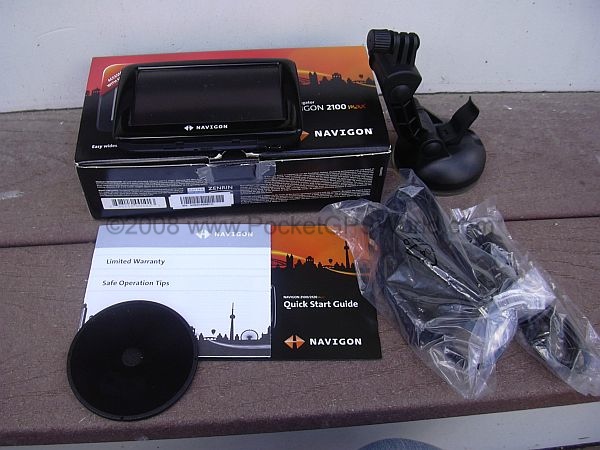
This box is very small, smaller than any I have seen before. It is filled up completely and I had a hard time getting everything back inside to send the review unit back.

No surprises here. The device, the holder (not shown), the suction cup mount, a plastic disk that you could use to fasten the mount on the dashboard, a leaflet, a power cable and a USB cable.
The device itself looks nice, although I have to say I am not a big fan of the "piano black" finish that seems to be the fashion thing nowadays. Fingerprints will be on it faster than you can say "cleaning cloth". I would have preferred the rubberized plastic that you find on the side rim of the device.

The screen uses a 480x272 LCD panel, and is reasonably bright and crisp also in bright sunlight. The anti-glare coating of the touchscreen helps to diffuse reflections. I found the touchscreen to be very responsive.
The device itself is pretty thin and light and fits well into roomier pockets. Let's do a little tour around the Navigon 2100max.

On the back the piano finish is interrupted by a pleasant dotted pattern and a big middle circle apparently devoid of any function. Interestingly the outer ring has exactly that rubber plastic that I was just mentioning.
The speaker is standard sized, and like on many other devices has problems to perform adequately. When you crank the volume up it will invariably distort the sound. Since there is no other option to transport sound (no Bluetooth, and no audio jack) you're stuck with this small tinny thing.
I wish companies would spend a little more time on the acoustic design of their cases. The older generation of our readers will fondly remember the original TomTom GO with its massive speaker and excellent sound.
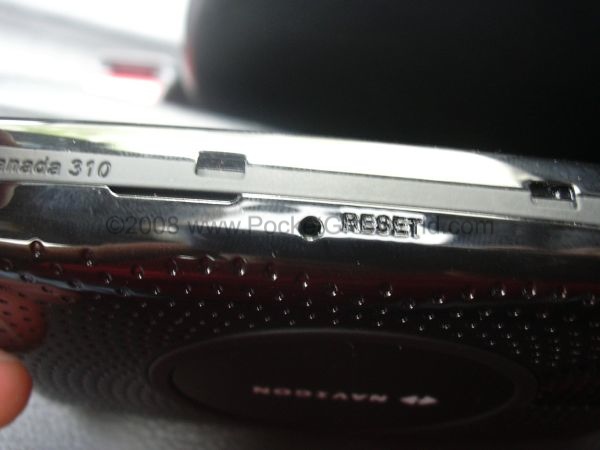
On the underside of the device we have the Reset button. Interestingly the device does not have a stylus so you'll have to find another poke instrument - the hole is big enough for a ball pen tip.
Above the Reset button you see two of the indentations for the device holder.
The longish gap under the left indentation seems to be the gateway to opening the device. A coin fits in nicely but the case would not bulge a bit when I played around. And since this loan device needs to be sent back we stopped here.
Back to the location of the reset button. When the device is mounted the Reset button is covered by the holder. This is a big No-No, and normally we would have applied drill and saw to the holder. Yet again - this is a loaner and we are stopping short of fixing the holder.

The device connects to the outside world through a standard Mini-USB port. Above the port is a LED to indicate charging status. Thankfully this LED is very discrete, and still perfectly readable in direct sunlight. Well done Navigon!

The left side houses the SD card slot. I haven't tried SDHC cards but I would assume they work too.
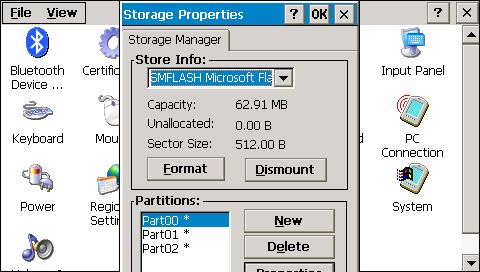
The device itself has very little internal memory, all user programs and maps need to reside on the SD card. When the USB cable is plugged into your computer you can use the 2100max as a glorified card reader.
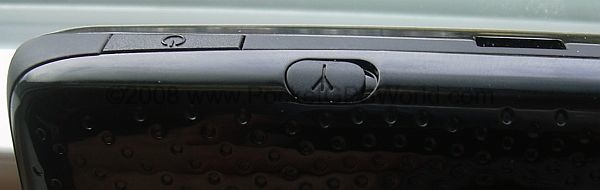
On the top we have the On/Off button, another indentation for the mount, and - behind the rubber cover - a MMCX connector for an external GPS antenna.
Speaking of GPS - the 2100max has a Nemerix N3 chipset - a somewhat questionable choice. In direct comparison with SiRF III based devices the 2100max always is the last one to get a fix. On average it took about two minutes (while already in motion) before the 2100max would lock on, whereas other devices needed around 40 seconds maximum.
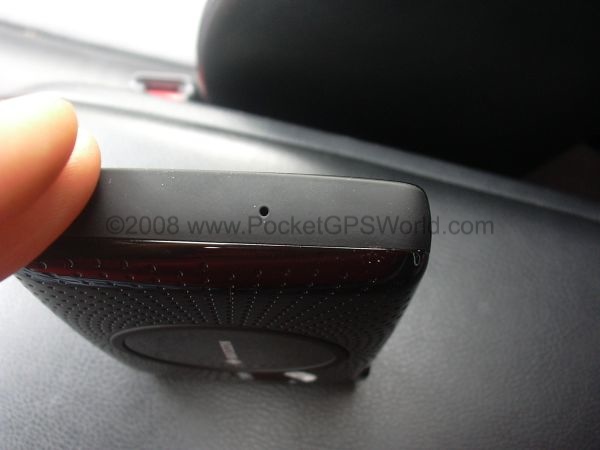
Last but not least we have an interesting hole on the right side. Navigon were unable to tell me what that hole is for. I would speculate that the case design was done with a microphone in mind but that the microphone was dropped from the specs at the last minute.
The battery in the 2100max is non-replaceable. Technical data is not known (capacity etc) however I was able to get around 3.5 hours of operation out if it. That is an acceptable value. Once the battery voltage is getting below a certain level you will be bombarded with an extremely annoying notification that keeps popping up and interfering with your routing. The only thing that helps is to plug the device in - I guess that is what Navigon wants you to do anyhow.
The mount and holder
The provided mount does not tell me who made it. Certainly not HR, although there are some strange coincidences. The mount has a big suction cup which should work ok. However, there is a problem with the bell shaped plastic enclosure behind the rubber.
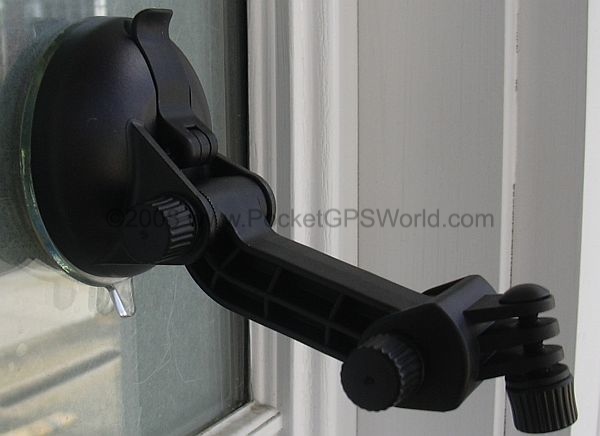
As you can see it is very sturdy and very straight. This means the mount will simply not work with any windscreen of even the slightest curvature as the plastic enclosure is preventing the rubber from getting enough contact with the glass.
This mount design has been abandoned by other manufacturers about two years ago. Not sure why Navigon chose it.

On the positive side the actual device holder is connected with a three-prong adapter that looks very familiar. A couple minutes of digging in my spares box yielded the desired result.
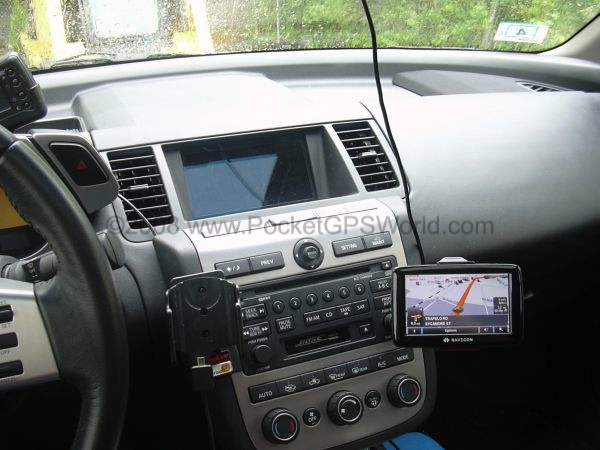
What I ended up doing is connect the device holder to a HR adapter (for the TomTom GO Classic) to a Brodit clip-on mount. This works perfectly and allows me to position the device as needed.

It also means I don't need to use a suction cup mount at all - always an advantage when it comes to preventing break-ins and take-outs. The only small problem is the routing of the TMC antenna (ie the mini USB cable) - radio reception is a bit worse in the dashboard area, and the dangling cable doesn't look overly tidy.
Speaking of take-outs. I am not very convinced by the device holder.

As discussed in the walkthrough the device clips into the holder with three little noses, one on top (shown above), and two at the bottom (shown below). These don't give me the feeling that the 2100max will stay put in case of a rear-ender crash.

Incidentially the holder design also makes it difficult to remove the 2100max with one hand because the top lever has only a small area of attack, and tends to bend together with the holder. Invariably I ended up having to use both thumbs to open the holder.
The software
The Navigon 2100max uses the most current version of Navigon's own navigation software.
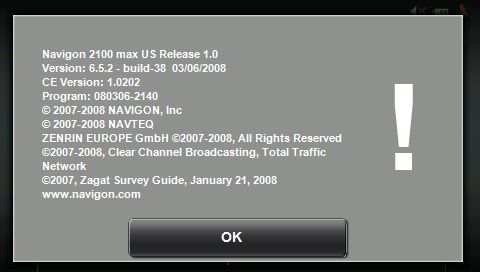
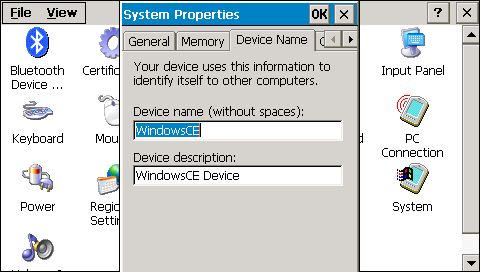
As you can see, the device itself runs Windows CE. And yes, it can be easily tweaked to run other Windows CE compatible programs. Let me know if anyone is interested in the details.
While the Navigon software is generally ok, it is also known for its slowness. This has improved a little with 6.5.2 but you still spend a fair amount of time just waiting for the UI and routing engine to come back from its coma. This is particularly annoying when you need a quick recalculation of the route because you missed a turn, or you have to obey real world turn restrictions that don't agree with the map.
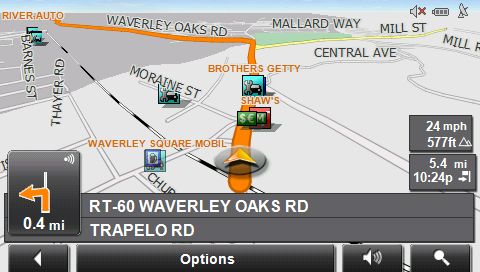
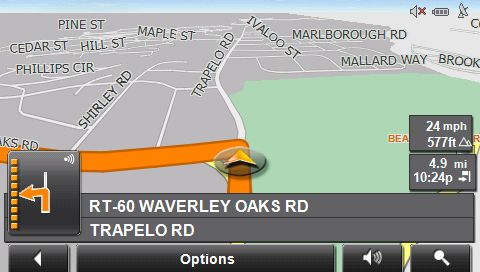
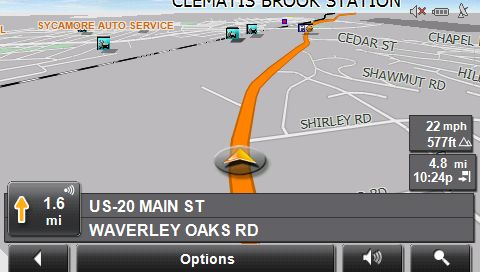
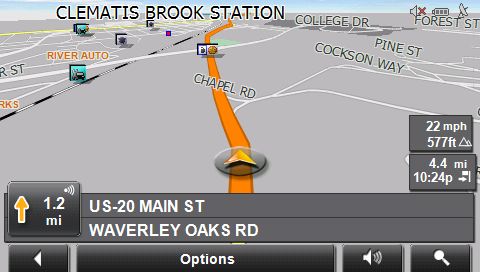
I won't go through the functions of the software here but I have prepared a few small videos that show the software in action during some of my recent journeys (snapshots taken roughly every five seconds, you may have to pause the videos often to make them useful).
Video1 Video2 Video3 Video4 Video5
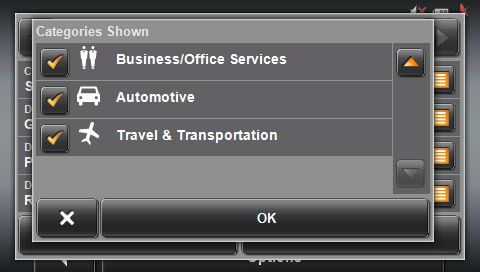
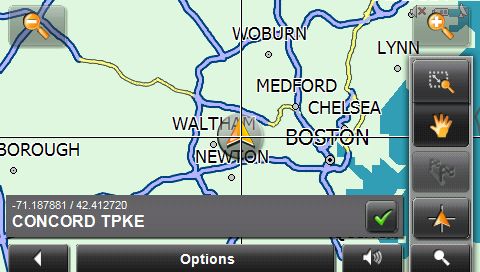
Generally I do like the user interface flow that was designed by the Fraunhofer guys. However, I have absolutely no idea why these usability experts used a grey on grey colorscheme throughout (well, I know why they did it but that doesn't make it hurt less). The most obvious problem with the color scheme is when you are trying to figure out if a button is pressed or not. In the picture below, what function is selected - "zoom" or "pan"? ( it is "pan", but the difference is just not noticeable enough ).
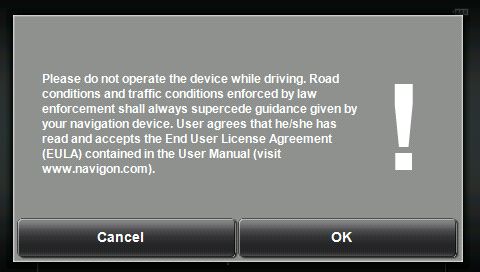
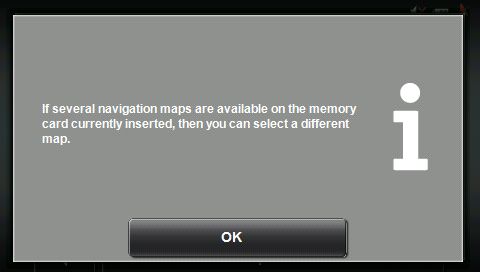
I only found one obvious mistake in the UI flow - when you are routing somewhere and are trying to lookup other stuff while keeping the rout alive (ie when you try to multitask) you will quickly understand that this is not possible. Instead, you have to endure the following dialog:

No, I would not. But you force me to do just that.
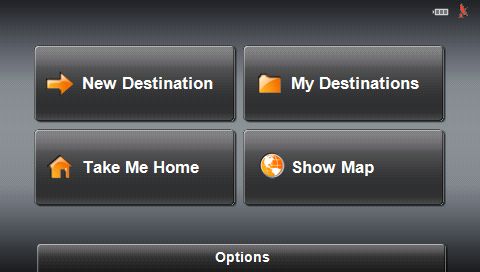
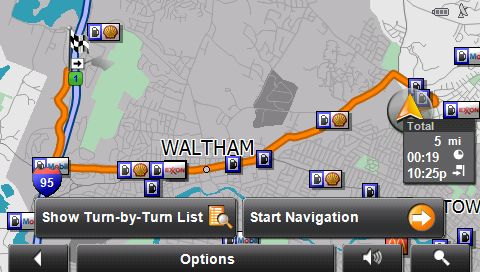
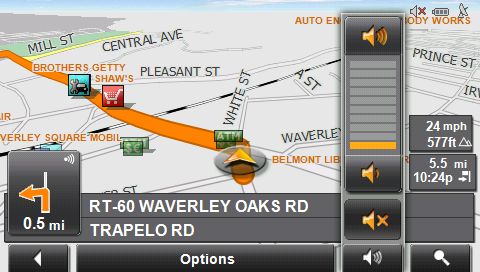
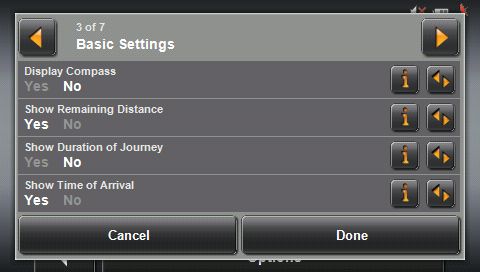
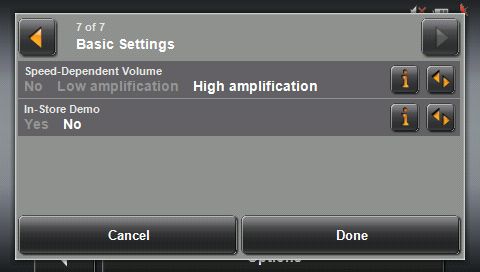
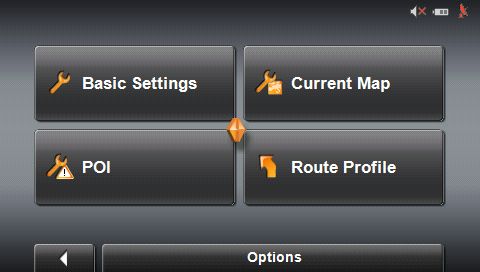
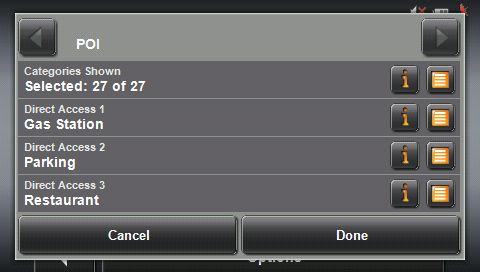
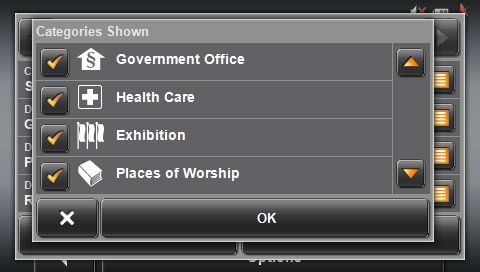
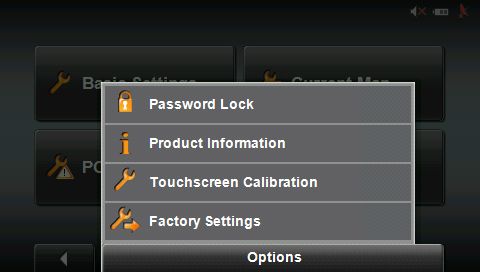
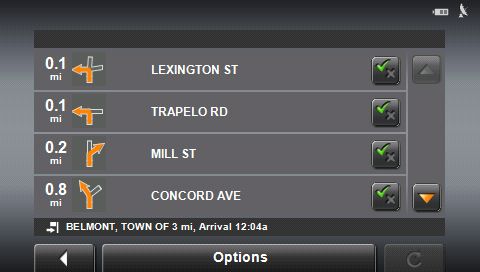
There are some more unsorted screenshots in the appendix.
Maps are provided by NavTeq, and are pretty recent. There are very few real map errors, but unfortunately you have no way of marking these, for example through permanent avoids.
On the other hand the maps also provide some interesting history lessons, displaying names of settlements that have ceased to exist a long time ago. "Piety Corner" for example is not something you find on any other modern map.

Special features
The Navigon 2100max already comes with a built-in TMC (traffic message channel) receiver. If you want to use it you can purchase an unlock code for 99 USD. This will give you a lifetime TMC subscription - better than all the other offers that expect you to renew your subscription yearly.
That TMC receiver uses the USB cord as an antenna - keep that in mind as the USB cord is absolutely required to lock onto any radio station. I guess the laws of physics are not that easy to bend.
For the sake of the review I asked Navigon for a TMC pack. It comes in the form of a credit card sized card (with lots and lots of blister pack around it) and an instruction leaflet.

Note the mention of a 2120 device - as stated before that model is targeted at the Canadian market while the 2100 is for the US market (they have different preloaded maps).
Activation itself was relatively quick and easy.
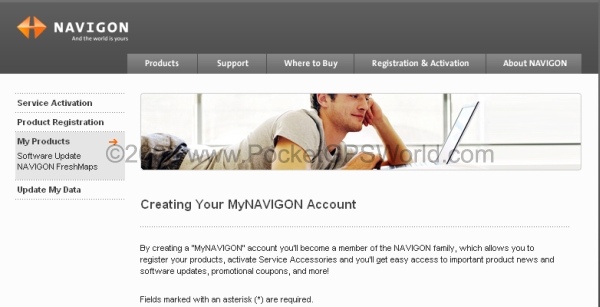 1. Register your device 1. Register your device

2. raise an eyebrow over the legalese

3. satisfy their curiosity
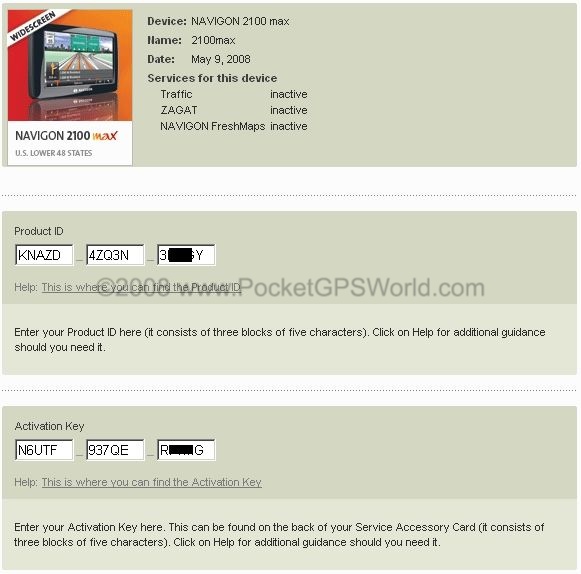
4. enter your product ID and activation key. The activation key is on the back of the TMC card.
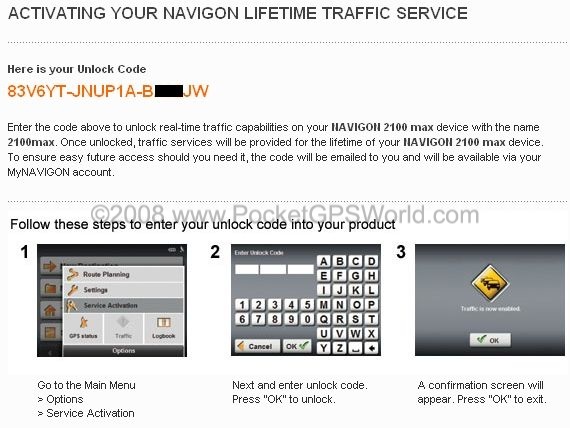
5. get your unlock code and enter it on the device.
Now, is it worth to pay 99 USD for this service? It depends a bit on where you live but for my area (greater Boston) it looks like a valuable tool. The TMC messages were plenty and reasonably relevant - after I remembered to plug in the USB cable.You can see the traffic messages in action in some of the videos.
It's a pity Navigon do not offer a trial mode so that you could test TMC and see if it is useful in your area.
Other services that can be unlocked in a similar way are ZAGAT ( a surveying service that helps you decide which restaurant or tourist attraction to visit and which one to avoid) and the strangely named FreshMaps. The FreshMaps service is an optional accessory that allows for 12 qualified map updates over a three year period. As already mentioned Navigon do not offer any user contributed map update service yet, so hopefully FreshMaps will be an acceptable alternative.
Conclusions
The Navigon 2100max is a low end PND with some nice features - a large widescreen display and an integrated TMC receiver. On the other hand there is no microphone, no audio jack and no Bluetooth connectivity so you cannot use the 2100max as a handsfree device, and you cannot route the sound from the device out to your car stereo.
The Navigon 6.5.2 software has some neat features like RealityView and a decent Text-to-Speech engine. The 2100max suffers from the same shortcomings as the other Navigon devices - overall sluggish user interface with unfortunate grey-in-grey color scheme, and sometimes rather adventurous routing.
If you want a widescreen device (with an option to do TMC) at a relatively low price point (299 USD) then the 2100max is a good candidate. For anything more ambitious you will want to look elsewhere.
|